How Do I Set Up a Partial Payment in the Tilopay Admin Dashboard?
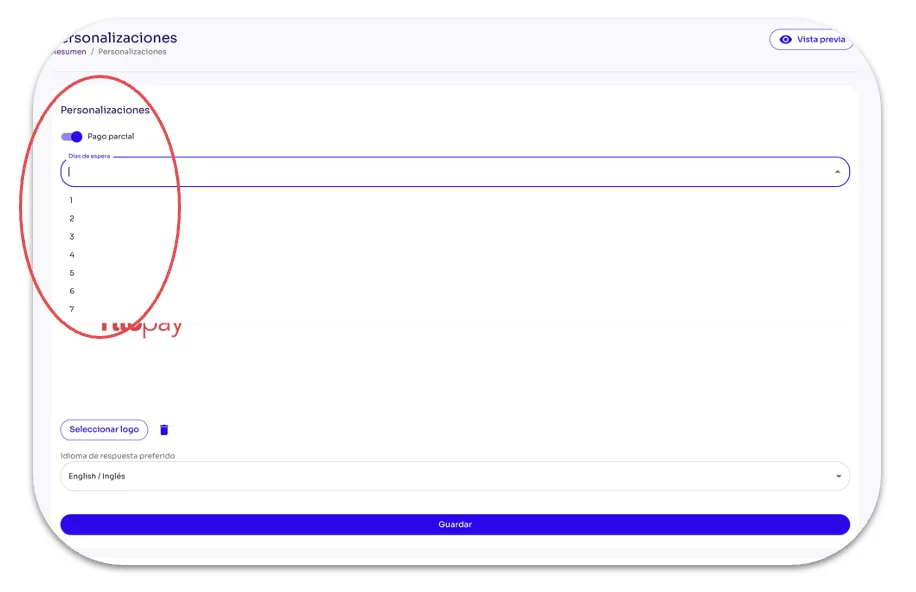
When you enable Partial Payments, your customers have a set number of days to complete the payment.
In the Customizations section of the Tilopay Admin Dashboard , you can enable Partial Payments, which gives your customers a set number of days to complete the payment.
Partial Payments generate a link that the customer can use to make payments in different amounts until the full amount is paid within the timeframe you set in this section. The customer can also share the link with others so each person can pay their portion of the total.
If the full amount is not paid within the specified timeframe, the money is automatically refunded to each participating customer.
Always remember to Save your selections.