You sell through WhatsApp or social media, but getting paid means asking for a transfer and waiting for the receipt.
Payment Link and QR Code
Need to get paid but have no website or card reader on hand?
Create a Payment Link or QR Code from your phone and charge any customer, anywhere, in seconds.
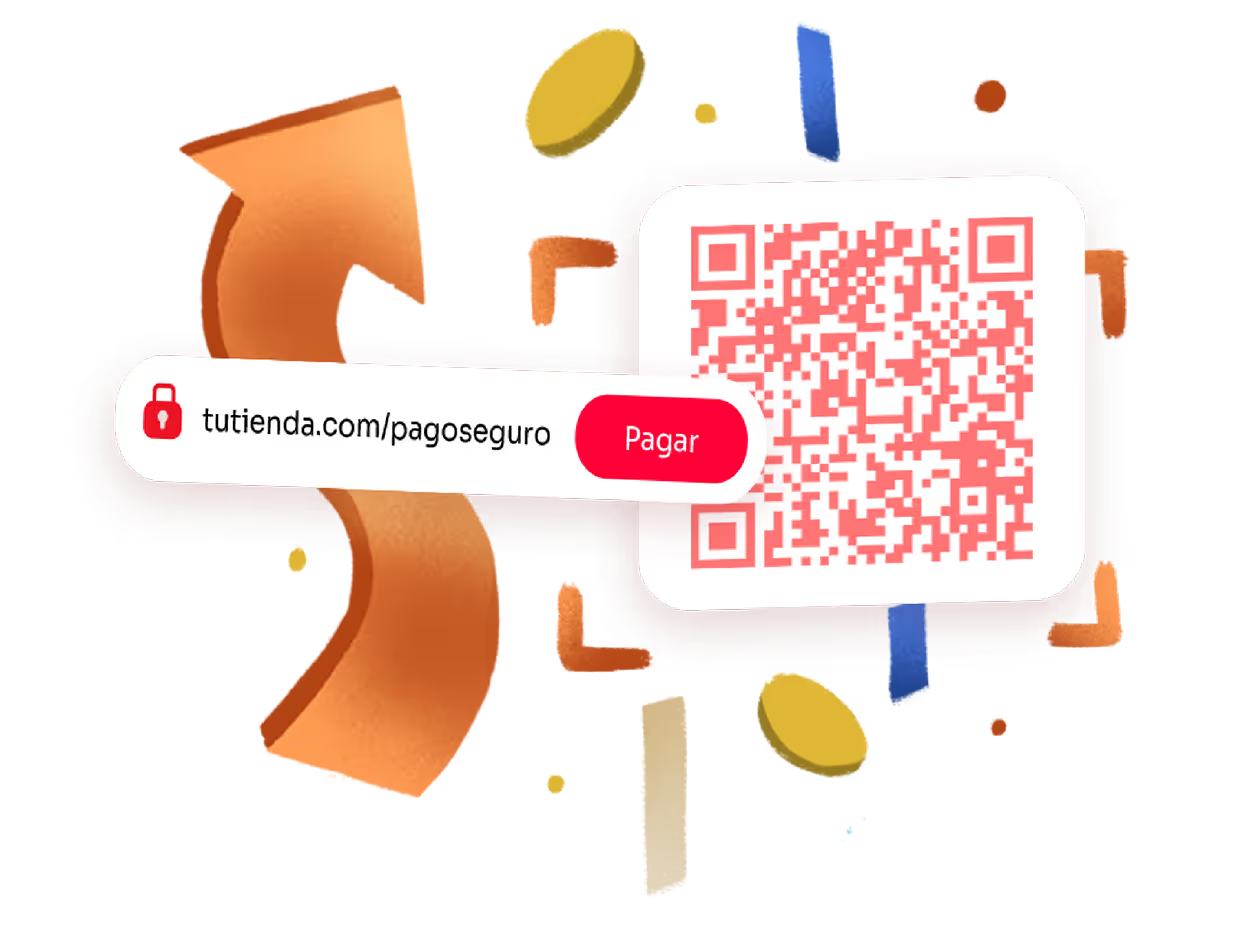
Getting paid shouldn't be this complicated
You don't have an online store, so you can only take cash or SINPE Móvil.
You sell at a fair, a stand or an event, and you have no way to take card payments right there.
You lose the sale because your customer wanted to pay right away, but your only option was “I'll send you my account details”.
product
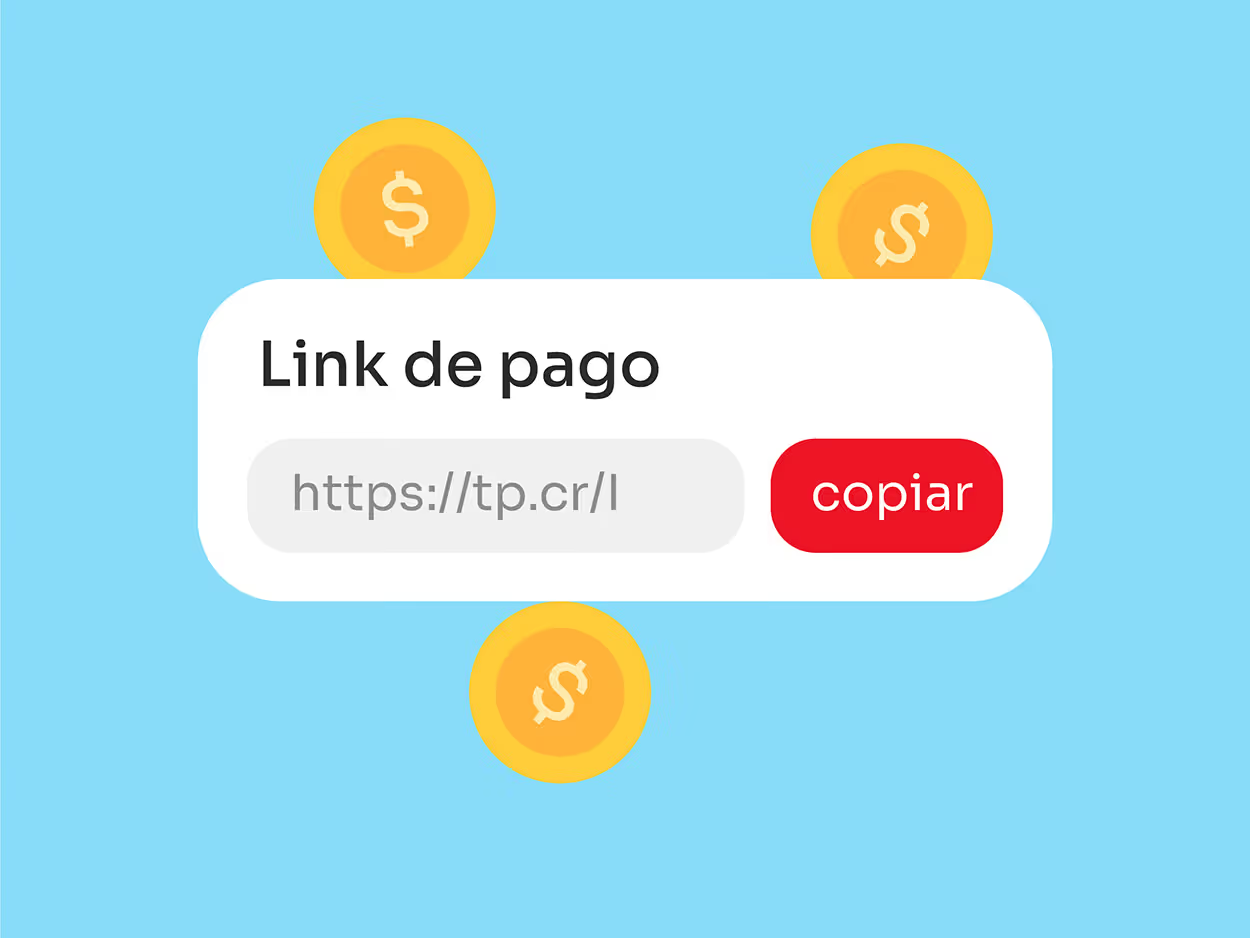
What is a Payment Link?
It's a unique link you generate from your Tilopay dashboard. Share it via WhatsApp, email, social media, or any digital channel; your customer opens it from their phone or computer and pays by card or transfer without going anywhere or using cash.
Shared digitally through any channel
product
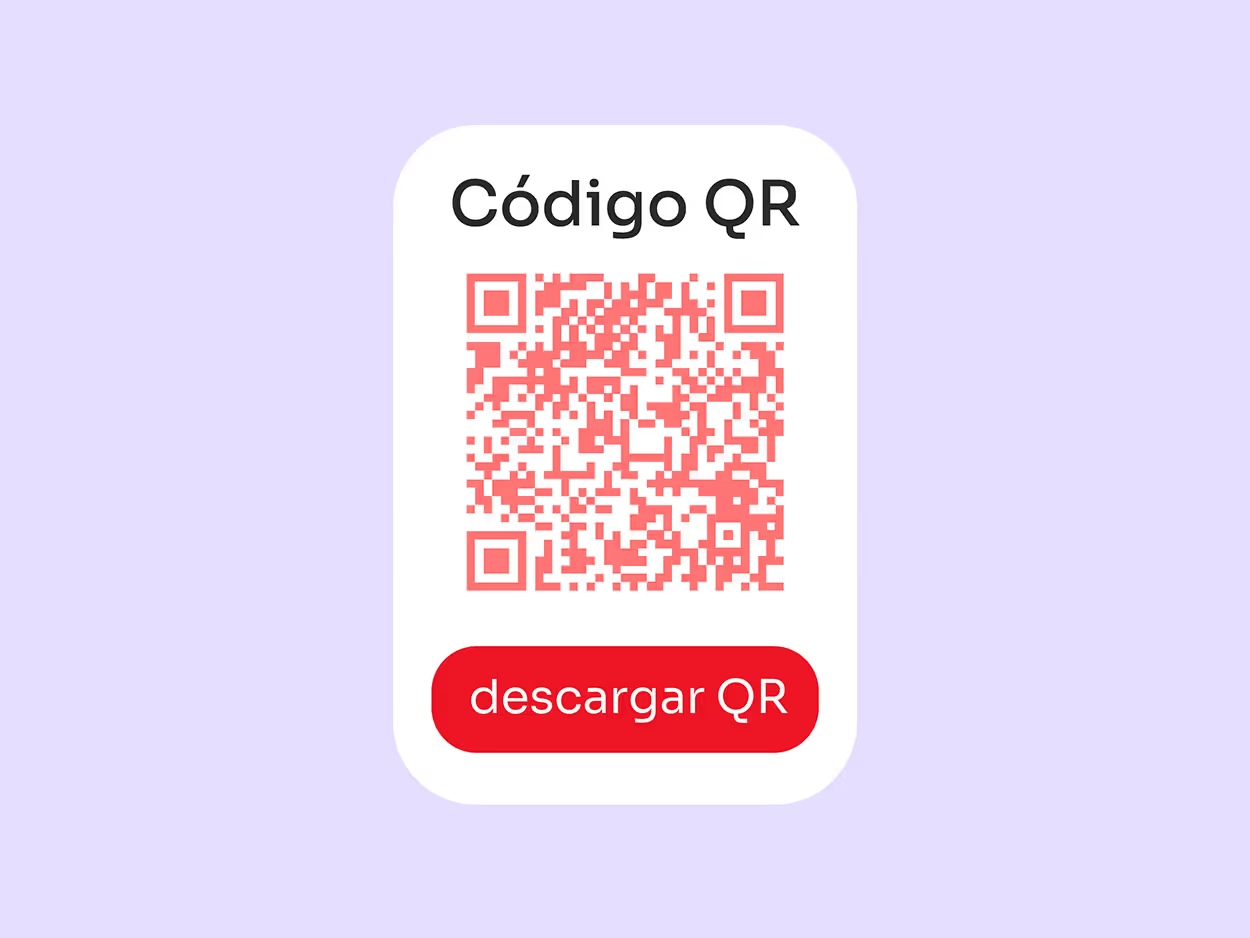
What is a payment QR Code?
It's the same Payment Link but in visual format. You generate it from your dashboard, print it or display it on screen, and your customer scans it with their phone camera. They're paying in seconds — ideal for physical stores, fairs, and booths.
Scanned physically with mobile devices
Get paid at the exact moment your customer wants to pay
A Payment Link and a QR Code are two forms of the same thing: a way to get paid without a website. Create it once from your Tilopay dashboard and use it as a link to share digitally or as a code to display in person.
Create your Link or QR
From your Tilopay dashboard, with any amount you want or left open.
Share it or display it
Send the link by WhatsApp, email or social media, or show the QR at your store, stand or on your invoice.
Your customer pays and you get the money
No need to ask for account details or wait for receipts.
No website required.
A catalog of links to quickly charge for your different products or services, without repeating the process every time.
Accept local and international cards, SINPE Móvil, Apple Pay, Google Pay and installment payments.
See our product in 1 minute
The video starts muted: turn on the volume to listen.
Who is this product for?
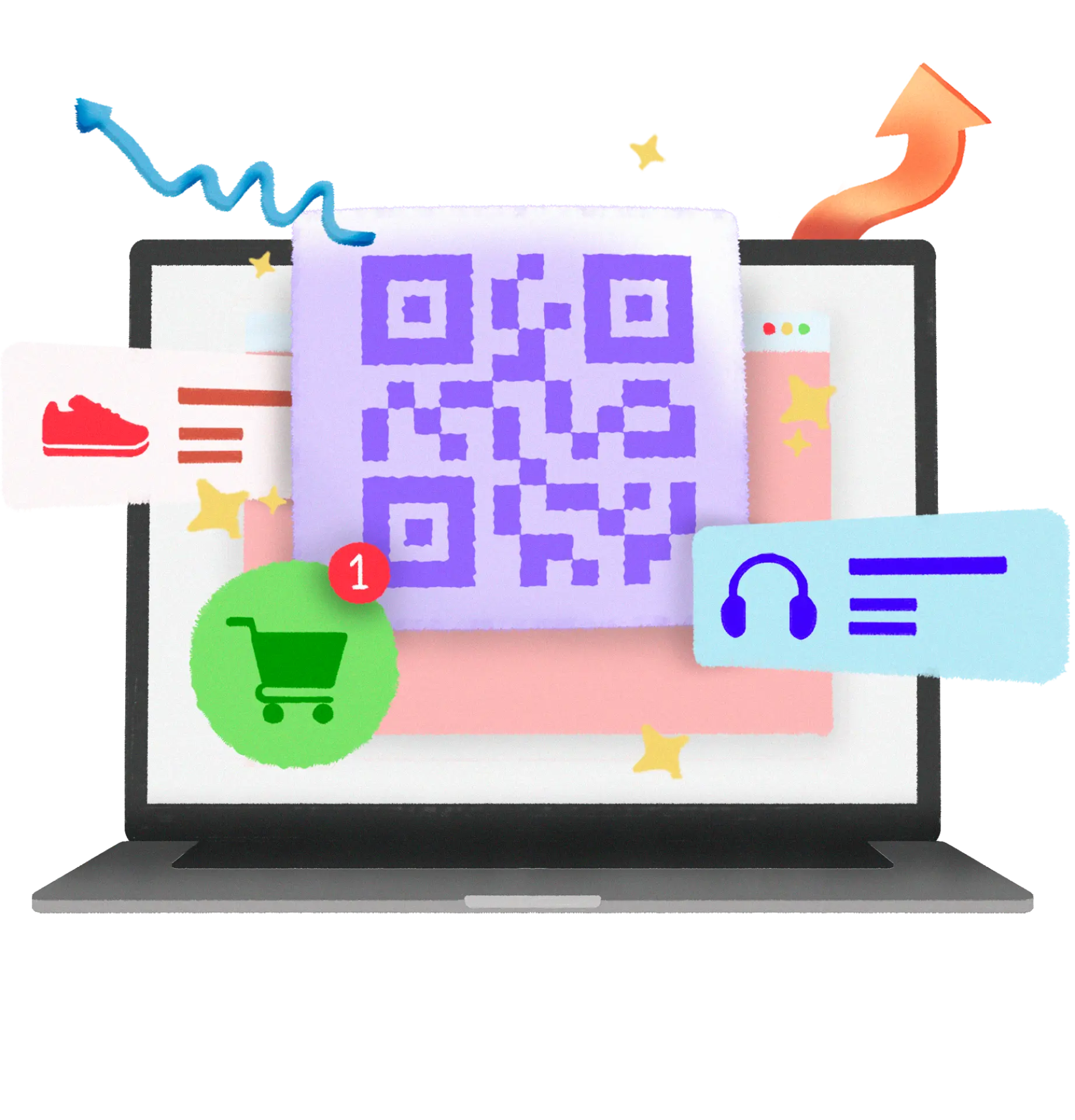

Retail
Sell on social media without friction
Send a Payment Link through Instagram or WhatsApp and close the sale right there, or show your QR Code at a fair or stand to get paid without a card reader.
Learn more

Tourism
Charge extras without asking the guest for their card again
A room upgrade, a last-minute tour or a special dinner — send the link and get paid instantly. It also helps you secure bookings in advance and avoid no-shows.
Learn more

Services
A catalog of links for each of your services
Set up your links once and get paid quickly through any channel, without creating a new one every time a customer messages you.
Learn moreFrequently asked questions
Remember you can contact us and we'll answer your questions
Yes, you can create a Payment Link without a website; from your Tilopay dashboard you can create it, track payments and more.
None! Neither the QR Code nor the Payment Link have any cost beyond transaction fees.
We accept local and international cards — Visa, Mastercard and American Express — regardless of the issuing bank.
Of course! Both Apple Pay and Google Pay are available to receive your payments. To enable them on your platform, just email soporte@tilopay.com.
The Payment Link will ask your end customer for personal information, card details and address.
You have two options: send it directly from the Tilopay platform, or copy and paste it into WhatsApp to send it to your customer.
Yes! You can customize every Payment Link with your business name or logo from the Tilopay platform.
That's right! You can create a Payment Link from the Tilopay platform, customizing it with your product catalog.
Of course! Payment Link lets you apply discounts or promotions from the Tilopay platform.
You can check it in the Tilopay platform, in the transactions section, or through the confirmation email in your inbox.
Yes, you can delete a Payment Link; from your Tilopay dashboard you can manage all the payment links you've generated.
Expand the ways your business can accept payments. Don't let your sales stop.
Every transaction protected
The highest levels of international security so your customers' money and your payments stay more than safe.