It tells you when you get paid
When a customer pays a link created from the Assistant, you receive an automatic WhatsApp message with the amount, customer, description, reference and order number.
WhatsApp Assistant
Ask about your sales, find a transaction, create a Payment Link to share with your customer—all from WhatsApp. With the Tilopay Assistant, you can run queries and manage payments using your real information without opening the dashboard.


Click each feature to learn more
When a customer pays a link created from the Assistant, you receive an automatic WhatsApp message with the amount, customer, description, reference and order number.

It remembers what you just discussed and answers follow-up questions without asking you for the same information again.

With a few questions, it learns what you sell and how you get paid, then suggests practical ways to automate your operation.

Ask for sales summaries on the days and times you choose and receive them directly on WhatsApp. You can also ask for a reminder when a saved contact's payment is due.
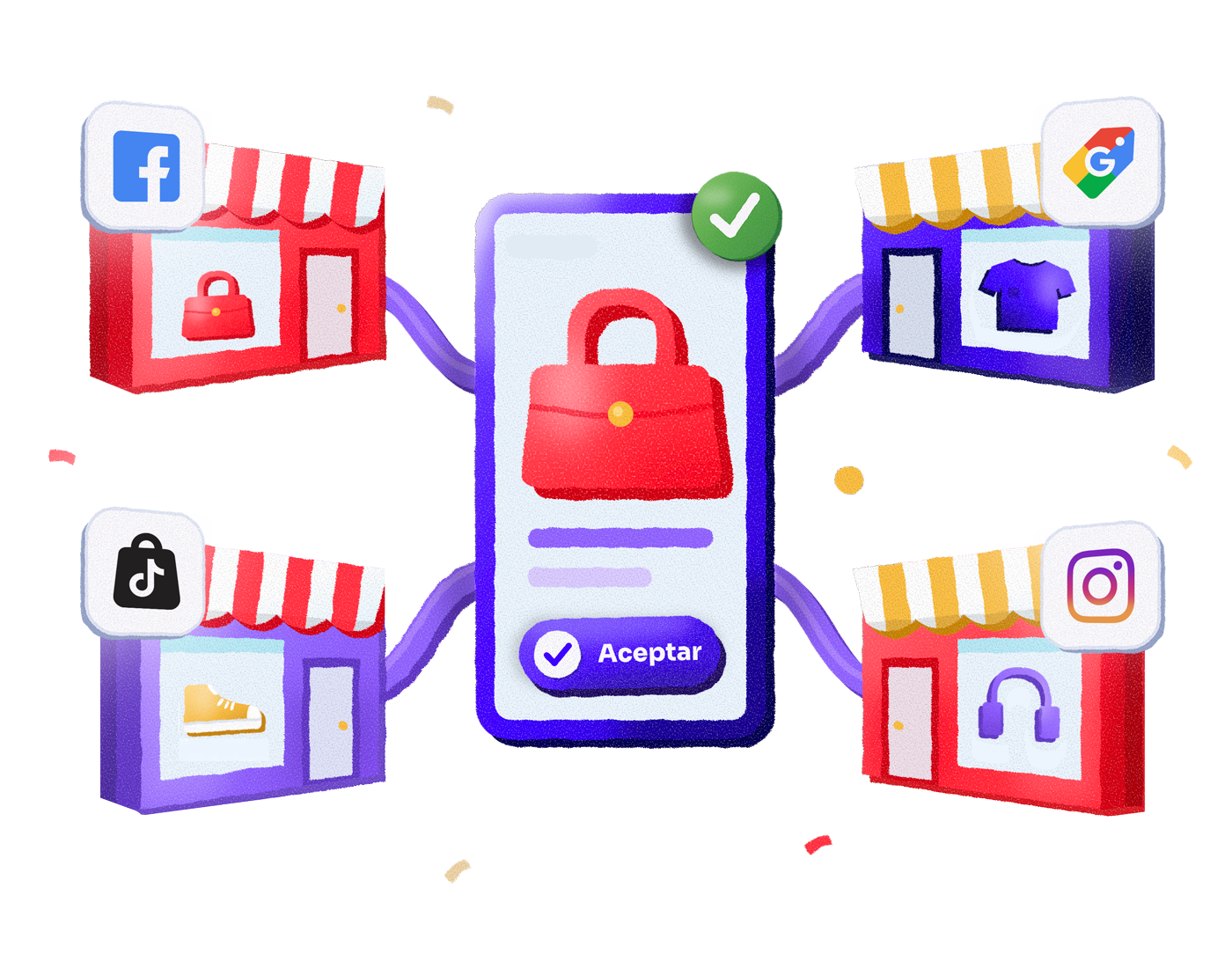
Upload it once and the Assistant gives you one link to showcase it on Facebook, Instagram, Google Shopping, TikTok and Pinterest. Connect it wherever you want, whenever you want, and it always shows the latest version of your catalog.
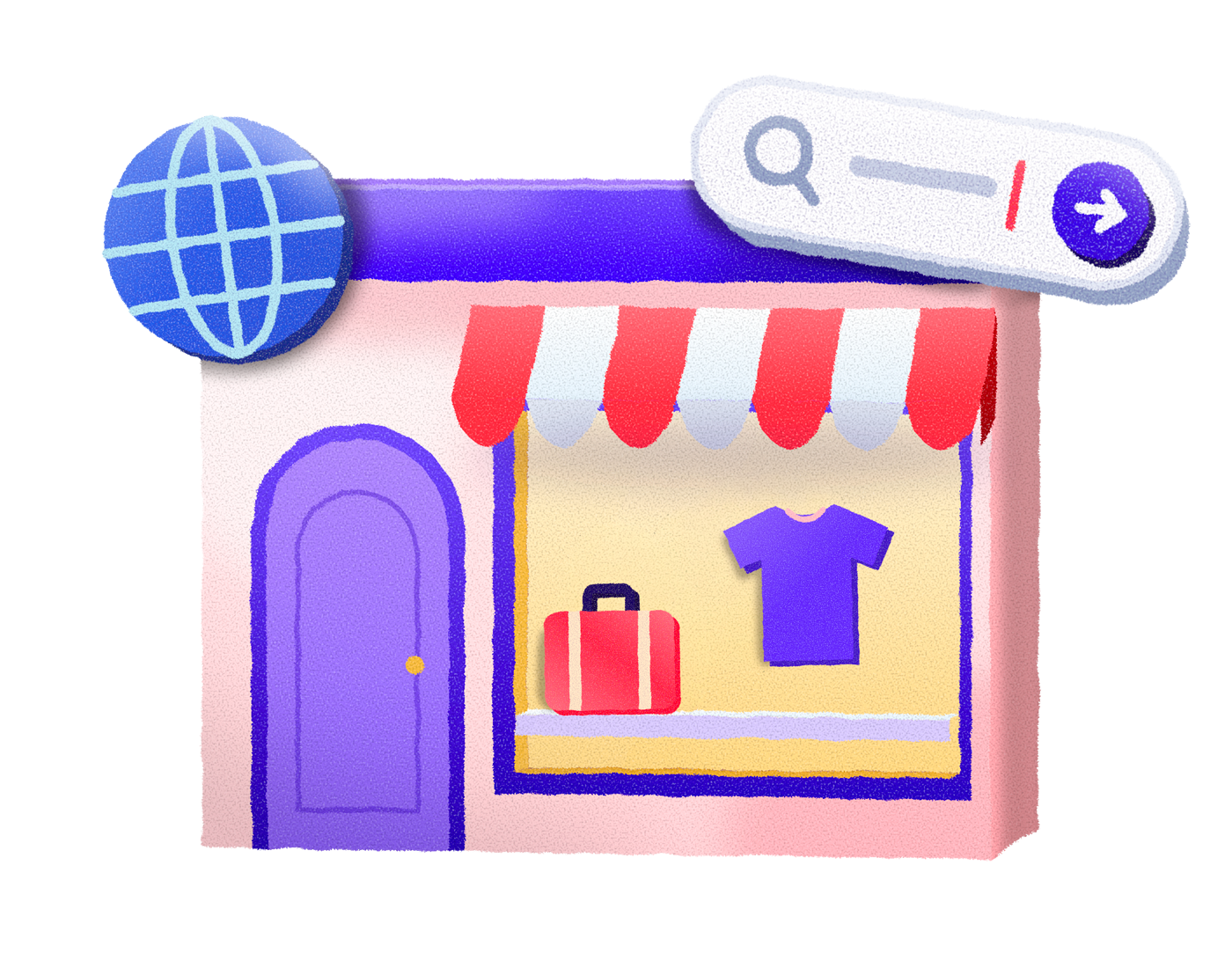
Every business automatically gets its micro-store at yourbusiness.tilopay.shop, with your logo and control over paid and delivered orders. Add it to your social media bio and your messages.
Control with confidence
Sensitive actions are confirmed with a 6-digit code sent to your email. The Assistant only responds to authorized numbers; if something looks unusual, you can freeze access immediately. There are limits, duplicate-charge detection and a log of every operation.
You can only link your account from the number associated with your Tilopay profile or from a number you use for two-step verification. Any other number receives a notice and cannot run any action.
Refunds, captures, reversals, saved-card charges, subscriber changes, deletion of links, products or plans, and bank transfers require a 6-digit code sent to your registered email. Nothing runs without it.
Every email lets you report "this wasn’t me." There are also per-operation and daily limits, plus duplicate-charge detection.
The log records who requested each action, from which number, when and with what result. You can revoke or pause access.
Follow these steps to start using your WhatsApp Assistant.
Step 1
Send any message to Tilopay’s official number, +506 7098 2131, or open the WhatsApp chat. If your number is not linked, you will see a welcome message with a Link my account button. To see it again, type "link my account."
The same tools used by the WhatsApp Assistant are available through Tilopay's MCP server, so you can connect them to Claude, ChatGPT or another agent. Full documentation is in the developer portal.
View documentationRemember you can contact us and we'll answer your questions
No. You use it from the same WhatsApp already on your phone, by texting the Tilopay assistant's number.
No. You write in plain language, just as you'd talk to a teammate: “how are sales going?”, “charge Ana 25 thousand”, “look up order 10432”.
No. Any operation affecting money, such as a refund or a saved-card charge, only runs after you type in the chat the 6-digit code we send to your registered email.
A number without a linked account only receives an invitation to link one, and linking requires the Tilopay account's email, password and code. Without that, no query or operation is performed.
Yes. The same features are available to AI agents through Tilopay's MCP server, documented in the developer portal.
You can text from any phone: the account is linked with your email, your password and the code sent to your email, not with the phone number.
Recover it at admin.tilopay.com before trying to link your account.
For security, after several failed attempts access is paused for a few minutes. Wait and try again with the correct password.
Type “unlink” and access is cut off instantly.
No. It is only for the business: the owner or the administrator.
Yes. You can ask for bank transfers, always with double security confirmation before any money moves.
The highest levels of international security so your customers' money and your payments stay more than safe.