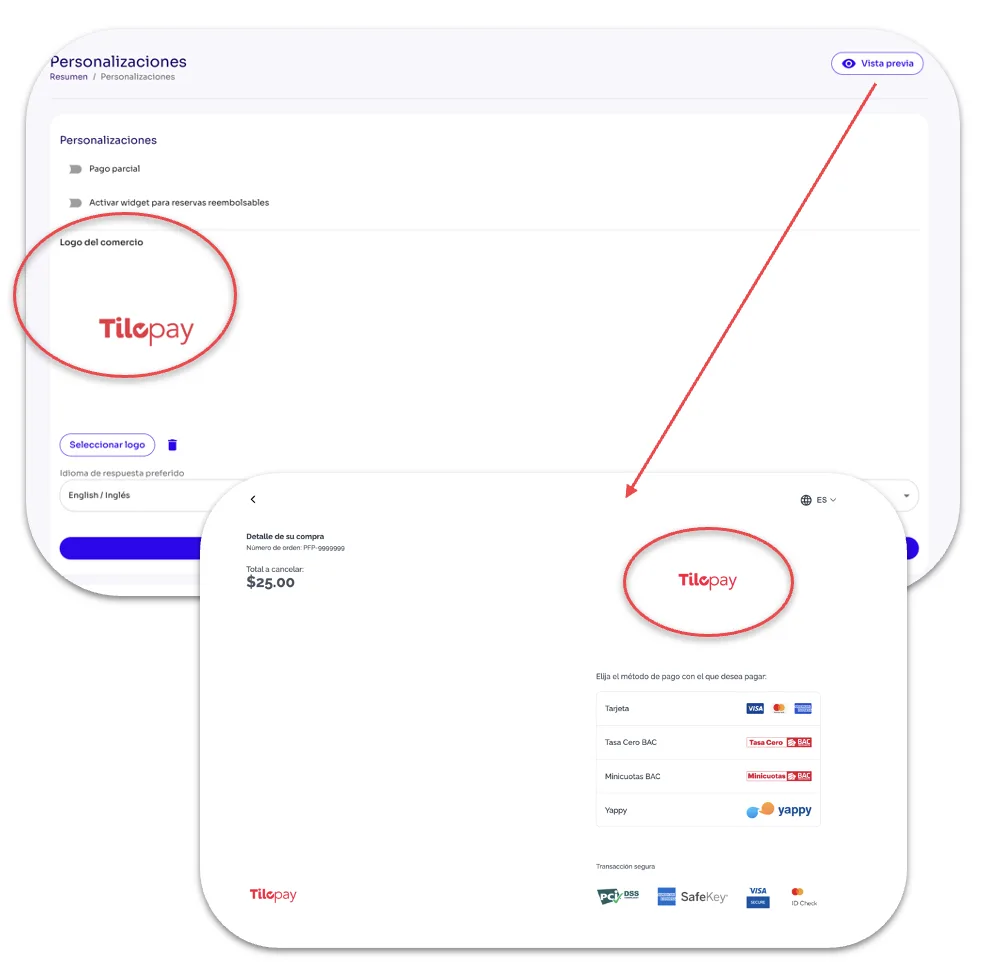
How to Set Your Business Logo to Appear on Your Checkout from the Tilopay Admin Panel
Use the Select Logo button to find the image you want your customers to see on your platform's checkout.
In the Customizations section of the Tilopay Admin Panel, use the Select Logo button to find the image you want your customers to see on your platform's checkout.
Remember to always Save your selections.
Once you've saved your logo selection, click the Preview button to see what your customers will see.
You can change the logo by using the Trash icon to remove it.