
How do I set up Yappy on Shopify?
Yappy is only available in Panama.
Before you begin, make sure you’ve already installed Tilopay as a payment method on your Shopify store. If you haven’t done so yet, first follow the guide How do I enable Tilopay as a payment method on Shopify?.
How to enable Yappy
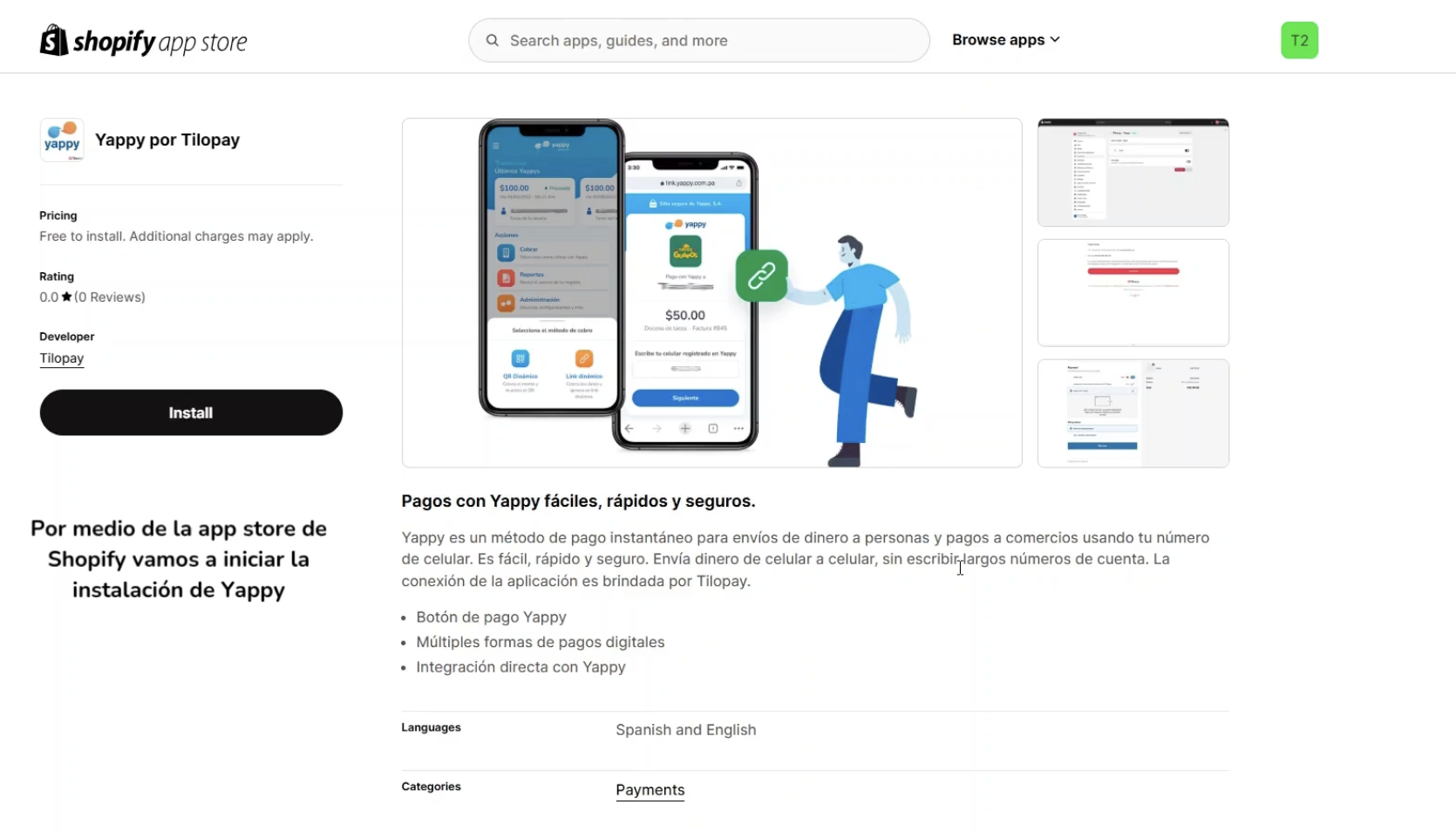
- Once Tilopay is installed on your Shopify store, go to https://apps.shopify.com/tilopay-yappy-v2 and click Install.
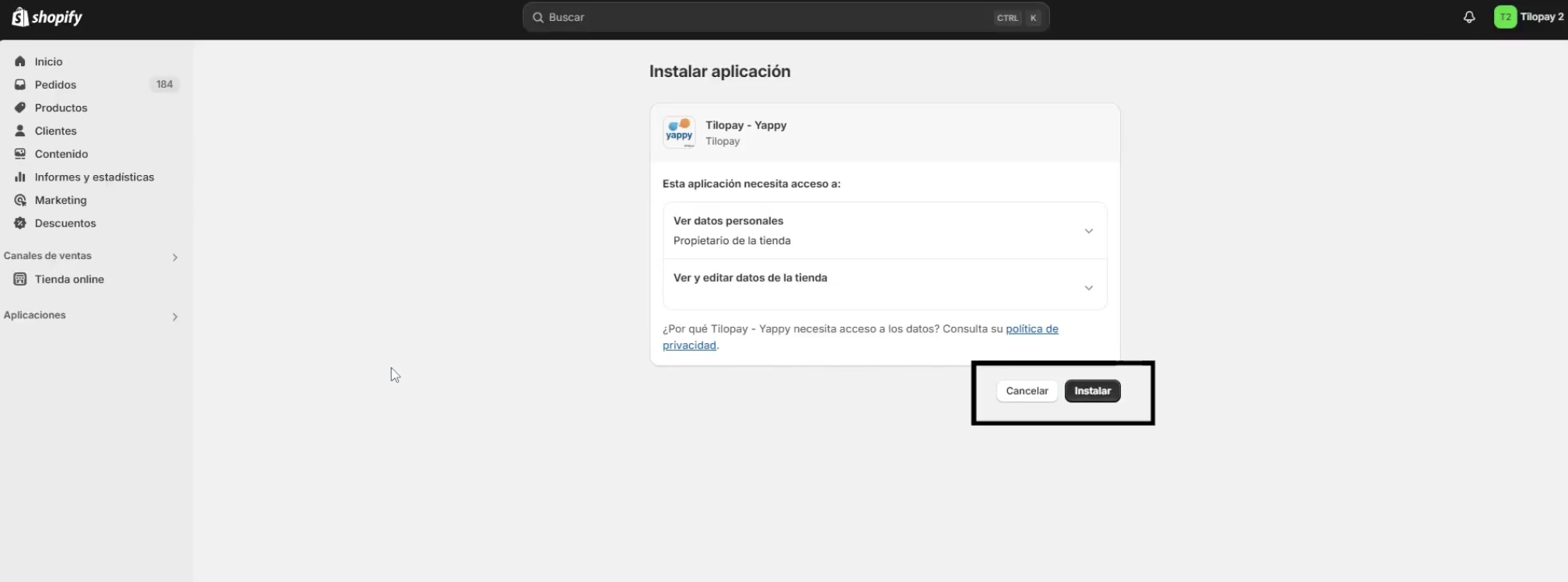
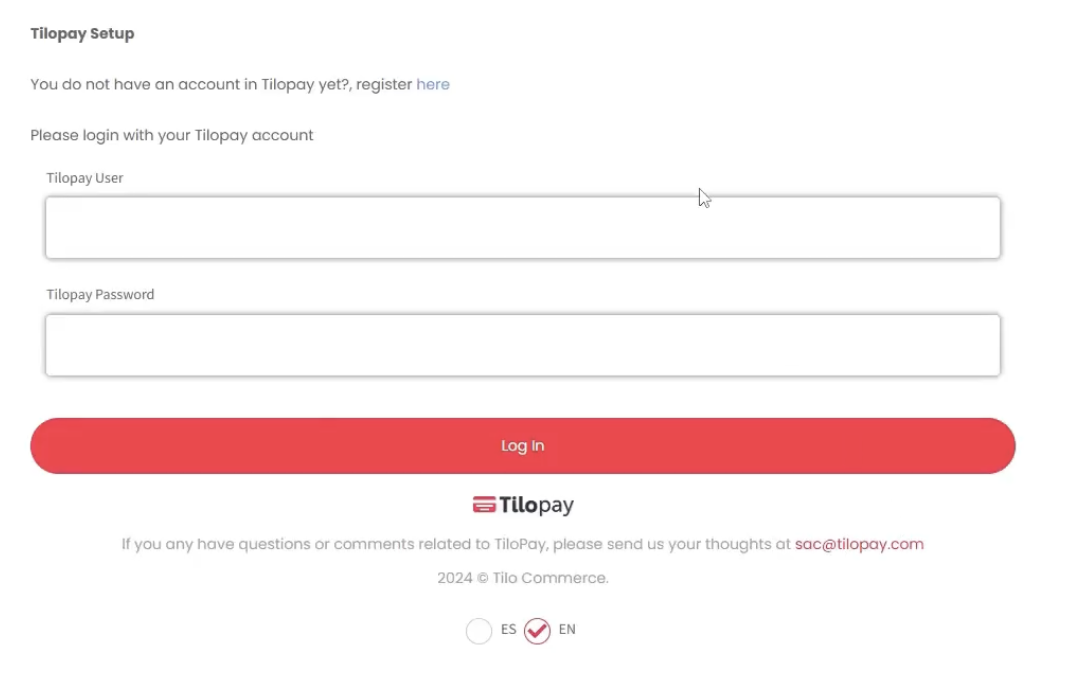
- Sign in with your Tilopay credentials (the same username and password you use for your Tilopay Admin Dashboard) to confirm.
- On the final screen, click Activate.
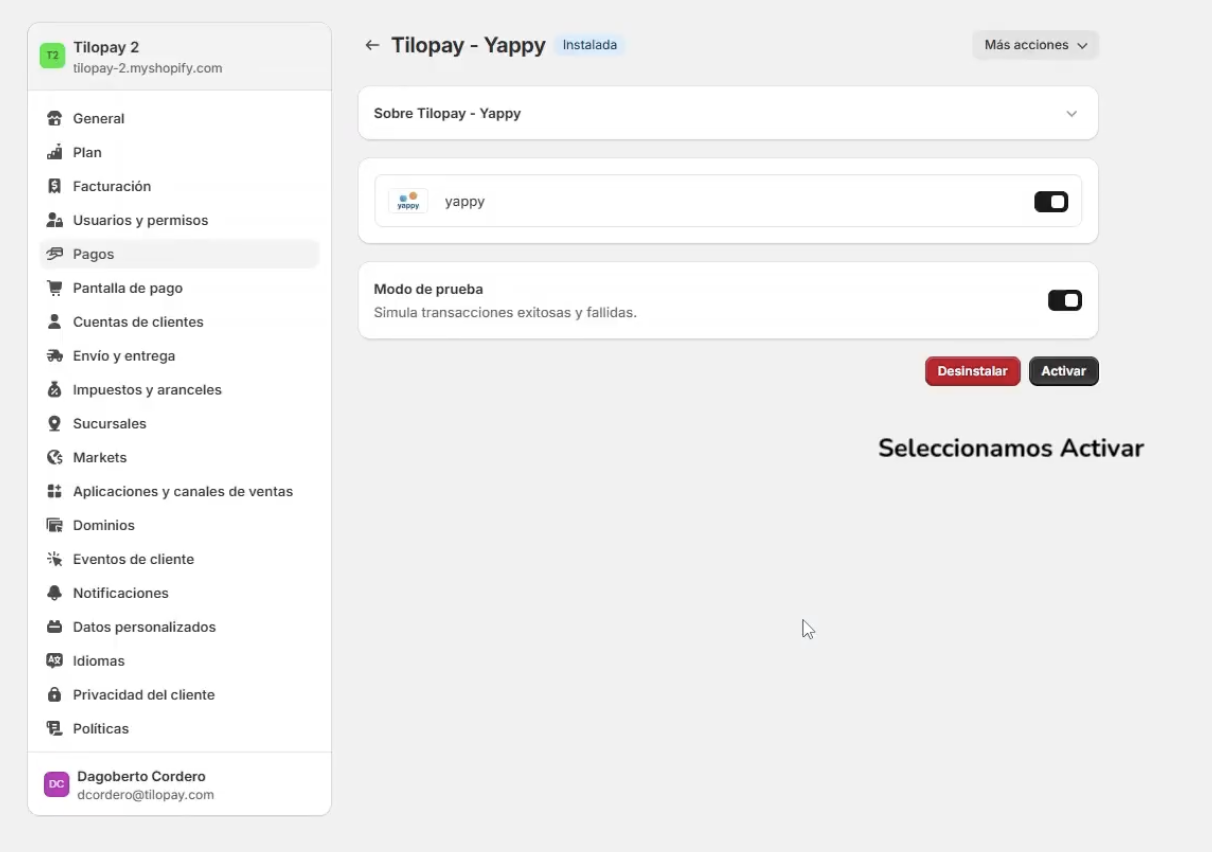
That’s it. You can now accept Yappy payments on your Shopify store.