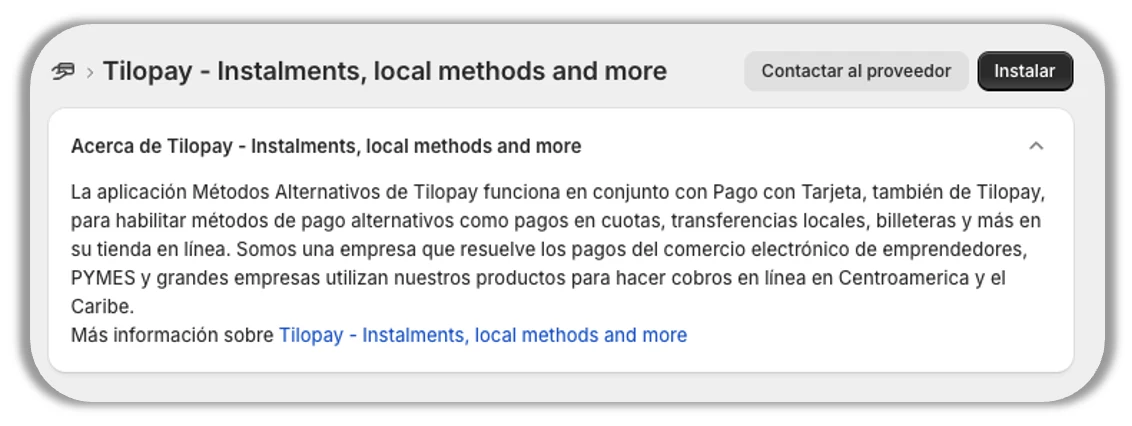
How do I set up the Tilopay Alternative Payment Method for SINPE MÓVIL on Shopify?
SINPE Móvil is only available in Costa Rica.
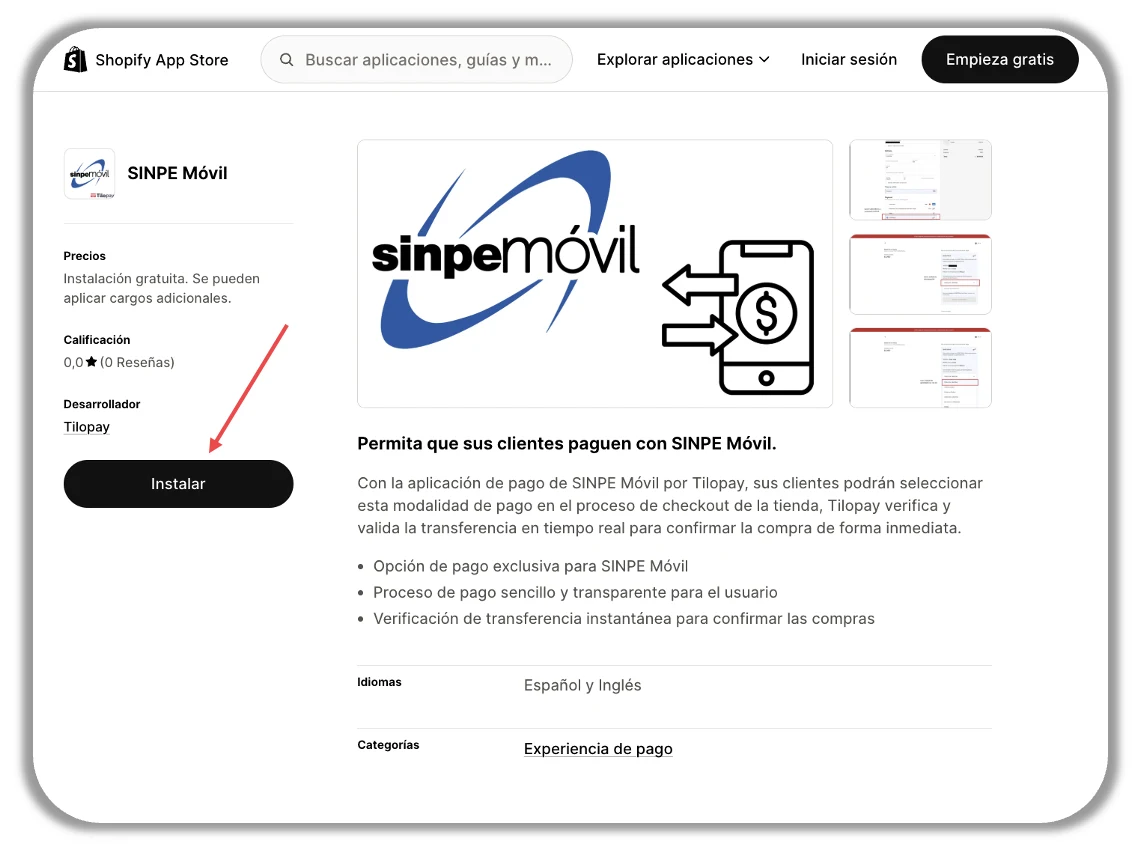
To accept payments with SINPE Móvil on your Shopify store, install it from: https://apps.shopify.com/tilopay-sinpe-movil?locale=es
Just click the Install button and follow the instructions.
The requested credentials are the same ones you use to sign in to the primary account in the Tilopay Admin Dashboard.
Test Mode for this Payment Method is NOT available in the Tilopay Admin Dashboard.
When you see the Connection successful message, click OK and then Activate.
Follow these instructions to accept one-time payments through alternative or local payment methods such as SINPE Móvil on your Shopify store through Tilopay:
Sign in to your Shopify store's admin dashboard
Go to Settings and click Payments
Under Additional Payment Providers, search for Tilopay as a provider and select from the available options to activate the Payment Methods available in your country.
Click each selected Provider to activate the Payment Methods you want to offer your customers and enable or disable Test Mode for your Shopify store.
* Remember that you need to enable and disable Test Mode on both platforms for it to work properly.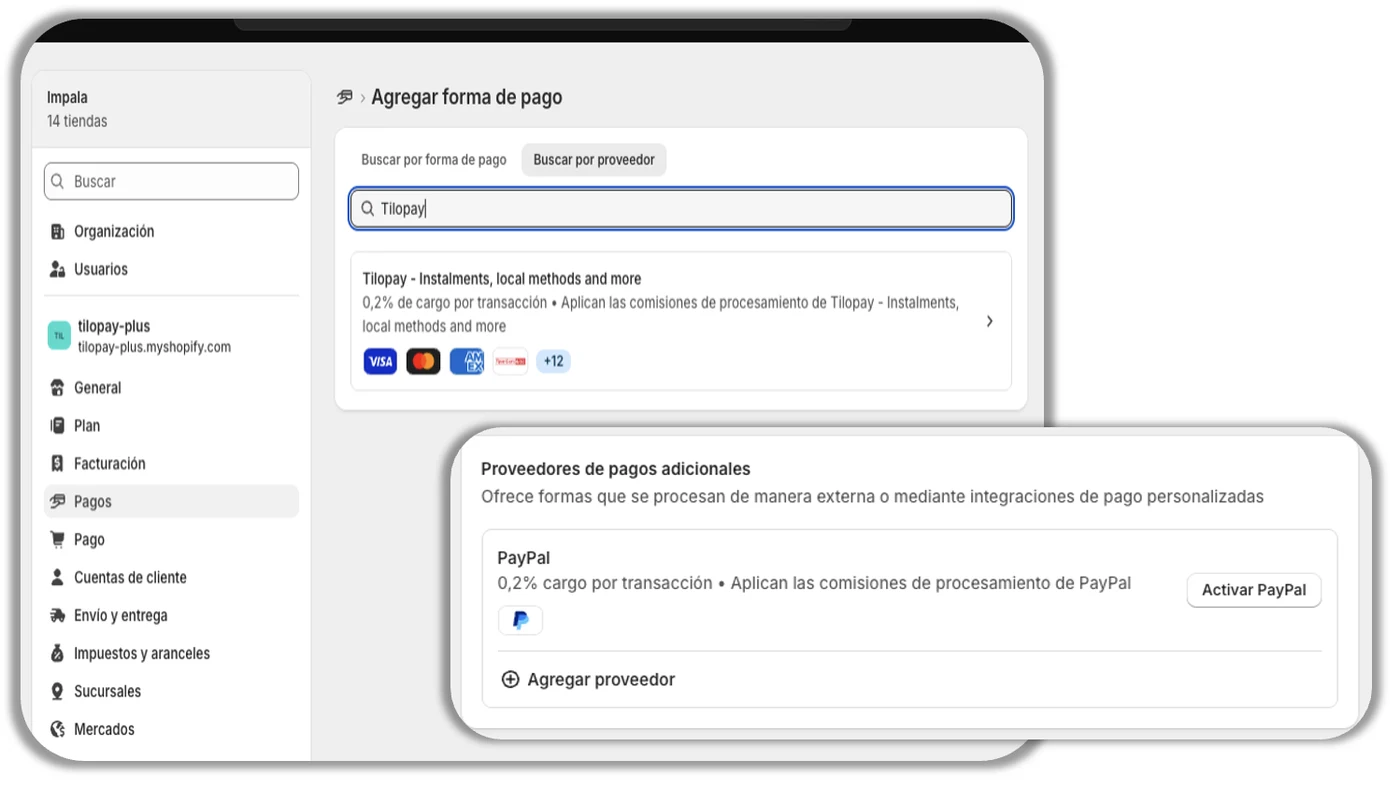
Once you've activated the Payment Method, follow the instructions. When prompted to enter your credentials, use the username and password for the primary account you use to sign in to the Tilopay Admin Dashboard.
Shopify will let you know when you're connected to Tilopay. You'll then be prompted to activate the payment methods you want to use for your business by selecting the corresponding checkbox for each one (cards and alternative payment methods)
Then click Activate Tilopay.