How Do I Delete a Payment Link?
To delete a Payment Link from the Tilopay Admin Dashboard, go to the Tools section in the left-hand menu, then click the Payment Links and QR Codes module.
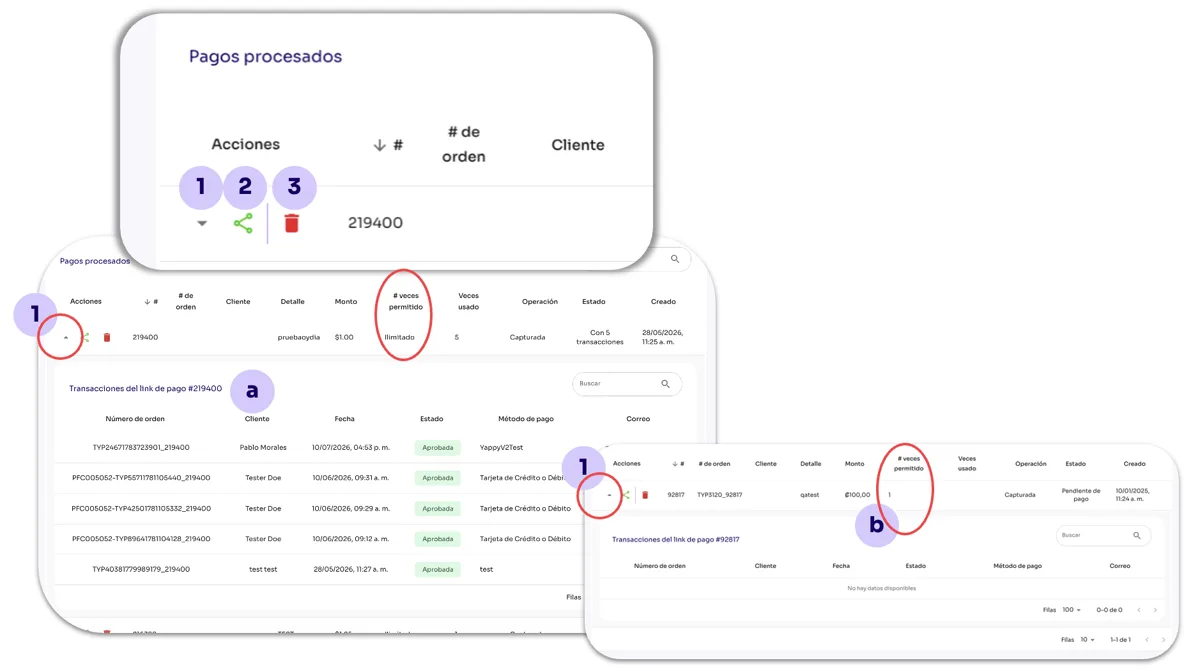
Select the Payment Link you created and want to delete, then click the Actions button and select Trash. This will delete the Payment Link, and this action CANNOT be undone.