
Tilopay WhatsApp Assistant: Manage Your Business Payments in One Chat
Equipo Tilopay · 25 de noviembre de 2026
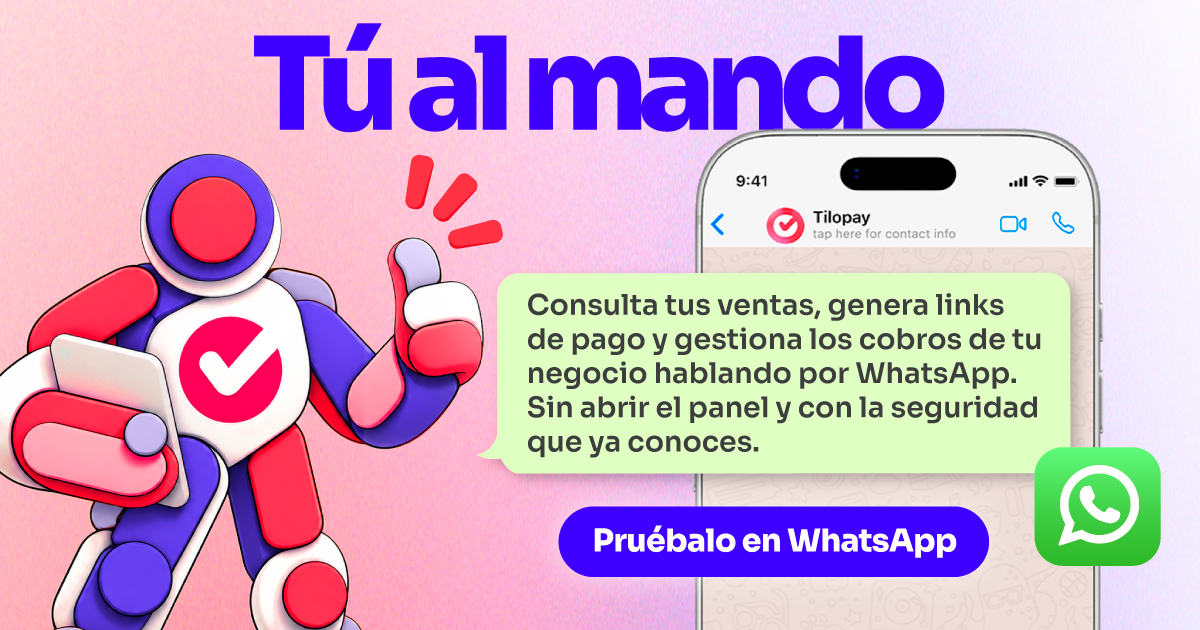
Manage your business payments, now in one chat. Meet Tilo, your WhatsApp assistant for collecting and confirming payments and checking your sales.
Managing your business’s payments doesn’t end when you tell your customer how much they need to pay. You still need to confirm that the money came through, keep track of outstanding payments, and know which orders are ready to fulfill.
For many businesses, this information is scattered across messages, screenshots of payment receipts, notes on a phone, and the payment dashboard. If you also sell through several channels at once, such as social media, your website, or in person, reviewing everything at the end of the day can take longer than making the sale itself.
Now you can keep everything in one place with Tilo, the Tilopay WhatsApp Assistant: a virtual assistant that lets you manage payments by messaging it from WhatsApp, no matter where the order came from.
What is payment management, and why is it important to keep it organized?
Payment management includes everything you do to ensure each sale is paid and recorded: sending the amount due, confirming that the payment came through, following up, and checking how much you received.
For example, imagine you own a bakery and a customer orders a cake for Saturday. You send her a payment request, she pays, and you write down the order. If ten more orders come in that same day, you need to remember who paid, who still hasn’t paid, what you still need to organize, and how many cakes you need to bake.
When you handle all of this manually, a few common problems tend to come up:
Unreliable payment receipts: a screenshot may belong to a different payment or may have been edited.
Orders that are never fulfilled: the payment came through, but the order got lost among all the chats and no one prepared it.
Time spent reviewing: checking every chat and receipt to see who has paid takes away time you could spend selling.
For a small or midsize business, the solution doesn’t have to be an accounts receivable system like the ones large corporations use. You just need your payment information at your fingertips and the ability to take action from the same place where you already talk to your customers every day.
What is the Tilopay WhatsApp Assistant?
Tilo is your personal Tilopay assistant, always just a message away to help you collect and confirm payments and check your sales. It connects to your account and lives inside the same WhatsApp you use every day. You can message it in your own words—for example, “How much did I sell today?”—and it will reply in the same chat with real data from your business. You don’t need to install another app or learn commands to use it.
It’s designed for you as a business owner or manager. Tilo brings everything you need to manage your payments into one chat, wherever you are, with instant answers, without waiting until you get to a computer. You focus on serving your customers and growing your business; Tilo helps you keep your payments organized.
WhatsApp is already a sales channel for many businesses. According to Meta’s State of Business Messaging 2026 report, based on a Kantar survey of 11,056 people across 22 markets, 72.4% of consumers are more likely to buy from a brand that offers messaging support.
That’s why Tilo lives in WhatsApp, the same app where you talk to your family, coordinate with suppliers, and reply to customers. Right there, you can check a payment or request one without switching apps or leaving anyone waiting.
This Tilo introduction video shows you how it works:
Manage payments from the chat: what your business can do with Tilo
Create Payment Links and get paid faster
A Payment Link helps you accept payments no matter where your customer is, quickly and with familiar payment options: you share a link, and your customer pays from a phone or computer on a secure checkout page. You can share it with customers in any country because Tilopay accepts local and international Visa, Mastercard, and American Express cards, as well as local payment methods.
If you message Tilo, your WhatsApp Assistant, “Create a payment link for 35 USD for a woven bag,” it will give you a link that’s ready to send to your customer.
To make the payment request clear, include:
Description: describe what you’re selling, such as “woven bag.”
Amount: how much your customer needs to pay, such as 35 USD.
You can use the same link in different situations:
Social media sales: share it in the same Instagram, Facebook, TikTok, or WhatsApp conversation where the customer placed the order.
In-person sales: ask Tilo for the QR Code for your Payment Link, show it on your phone, and have your customer scan it with their phone’s camera to pay.
Remote sales: email it to a customer who requested a service or custom order.
In every case, your customer enters their card details on the checkout page, not in the chat.. Explore all the Payment Link and QR Code options.
Receive payment notifications wherever you are
When your customer pays through the Payment Link you created with Tilo, you’ll receive a confirmation message through WhatsApp with the amount, customer name, description, and reference.
This gives you peace of mind knowing the money has come through, without asking the customer for a screenshot or logging in to the dashboard to check. You can safely prepare, ship, or hand over the order, even when you’re away from your business.
Check your sales from your phone
You can ask, “How much did I sell this week?”, “How am I doing compared to last week?”, or “Find Carlos’s payment from yesterday,” and it will instantly reply with information from your account. This helps you:
Make timely decisions: if sales are slower than the previous week, you can launch a promotion or take action before the week ends.
Reply without keeping a customer waiting: if someone asks about their payment, you can search for the transaction by name, amount, or date and confirm it within minutes.
Understand a declined payment: if you ask, “Why was this payment declined?”, Tilo will tell you the reason so you can help your customer try again.
Close out the day without doing the math: you can request an automated summary, such as “Every day at 8:00 p.m., send me the day’s sales summary.”
Track every order without losing any
If you sell through the Tilopay catalog (the list of products or services you share through a single link) or your micro-store (a simple online store with its own address), Tilo helps you track your orders. From the chat, you can see which ones have been paid and which ones you’ve already fulfilled, so no order goes unshipped or gets sent twice.
Manage subscriptions and recurring payments from WhatsApp
If your business charges monthly fees, memberships, or plans, such as an academy or gym, and you use Tilopay’s Subscription Payments, you can also manage them from the chat. A recurring payment is charged automatically on each scheduled date after your customer enters their card details once. With Tilo, your assistant, you can:
Create your plans step by step: set up the plan in the conversation, and Tilo will generate the subscription link for you to share with your customers through your preferred channel.
Manage your subscribers: check who is subscribed and review their payments, and pause or reactivate a subscription whenever needed.
Recover failed payments: see which payments weren’t approved and generate a link so your customer can catch up.
Manage coupons: manage discount coupons for your plans without logging in to the dashboard.
Get recommendations for your business
Based on your type of business, Tilo, the WhatsApp Assistant, suggests ways to automate tasks that you currently handle manually, such as scheduling a daily sales summary or a reminder that lets you know when a repeat customer’s payment is due. You set it up in the same conversation, without opening your computer or logging in to the dashboard, so you can get that time back for your business.
It also remembers the context of the conversation. If you ask for a link and then write, “Send it by email too,” it knows which one you mean, so you don’t need to repeat the information in every message.
Is it safe to manage your payments from WhatsApp?
It’s completely safe. Tilo can retrieve information and prepare actions, but every action involving money requires your authorization:
Linked numbers: it only responds to phone numbers linked to your account.
Confirmation code: charges to saved cards, changes to subscribers, captures or reversals of an authorized payment (charging or releasing an amount held on the card), and refunds (returning money to a customer) require a 6-digit code sent to your registered email address.
Control over any activity you don’t recognize:: every security email includes an “It wasn’t me” option, access can be paused or revoked, and it is temporarily blocked after several failed attempts.
This code works as a one-time password: it’s temporary, can only be used once, and confirms that you’re the person authorizing the action.
A day managing payments with Tilo, your WhatsApp Assistant
Here’s what a typical day can look like for a business that receives purchases or orders through different channels:
Morning: a customer messages you on Instagram to order a flower arrangement. You ask Tilo for a Payment Link and send it to her in under a minute.
Midday: a customer visits in person and prefers to pay with their phone. You show them the QR Code Tilo generated for you from the WhatsApp chat.
Afternoon: you receive payment notifications for both transactions. You can prepare the orders with peace of mind, without asking for receipts or checking the dashboard.
Evening: you receive the day’s summary and know how much you collected without adding it up manually.
Without Tilo, that day would have meant going to your computer to create each payment request, waiting for screenshots, checking the dashboard to confirm them, and adding everything up at the end of the day. The difference is the time you get back and knowing at all times what has been paid and what still needs to be fulfilled.
How to start using the WhatsApp Assistant
To start using the Assistant, your business needs to be onboarded with Tilopay. If it isn’t yet, you can start by onboarding your business here. Then follow these steps:
Step 1: Message Tilo, your assistant
From WhatsApp, send the message “Link” to Tilopay’s official number: +506 7098 2131. If your number isn’t linked yet, you’ll see a welcome message with the “Link my account” button. If you need it to appear again, type “link my account.”
Step 2: Tap “Link my account”
The button takes you to a secure form where you can connect your WhatsApp number to your Tilopay account.
Step 3: Log in
Enter the same email address and password you use to log in to the Tilopay dashboard.
Step 4: Complete two-step verification if you have it enabled
Two-step verification is an extra layer of security that asks you to confirm your identity in addition to entering your password. If it’s enabled on your account, complete it to continue.
Step 5: Confirm the link
Enter the six-digit code sent to your Tilopay email address. This confirms that you’re the person connecting the phone number.
You’re all set: you can now talk to Tilo and ask for whatever you need, such as a Payment Link or a summary of the day’s sales. For a more detailed look at the process, see the Assistant guide.
Your payments, organized in one chat
Good payment management doesn’t depend on the size of your business—it depends on having information at your fingertips. Tilo, the Tilopay WhatsApp Assistant, brings the most time-consuming tasks into one conversation: creating payment requests, confirming payments, checking your sales, managing subscriptions, and tracking orders, whether you sell through social media, in person, or online.
You remain in charge of customer service and every decision involving money. What changes is that you no longer depend on a computer or screenshots to know how your payments are going: the information is just a message away, backed by the same security as your Tilopay account.
Manage your payments with Tilo, the Tilopay WhatsApp Assistant.