Vendés por WhatsApp o redes sociales, pero cobrar significa pedir una transferencia y esperar a que te manden el comprobante.
Link de Pago y Código QR
¿Necesitás cobrar y no tenés página web ni datáfono a mano?
Generá un Link de Pago o un Código QR desde tu celular y cobrale a cualquier cliente, en cualquier lugar, en segundos.
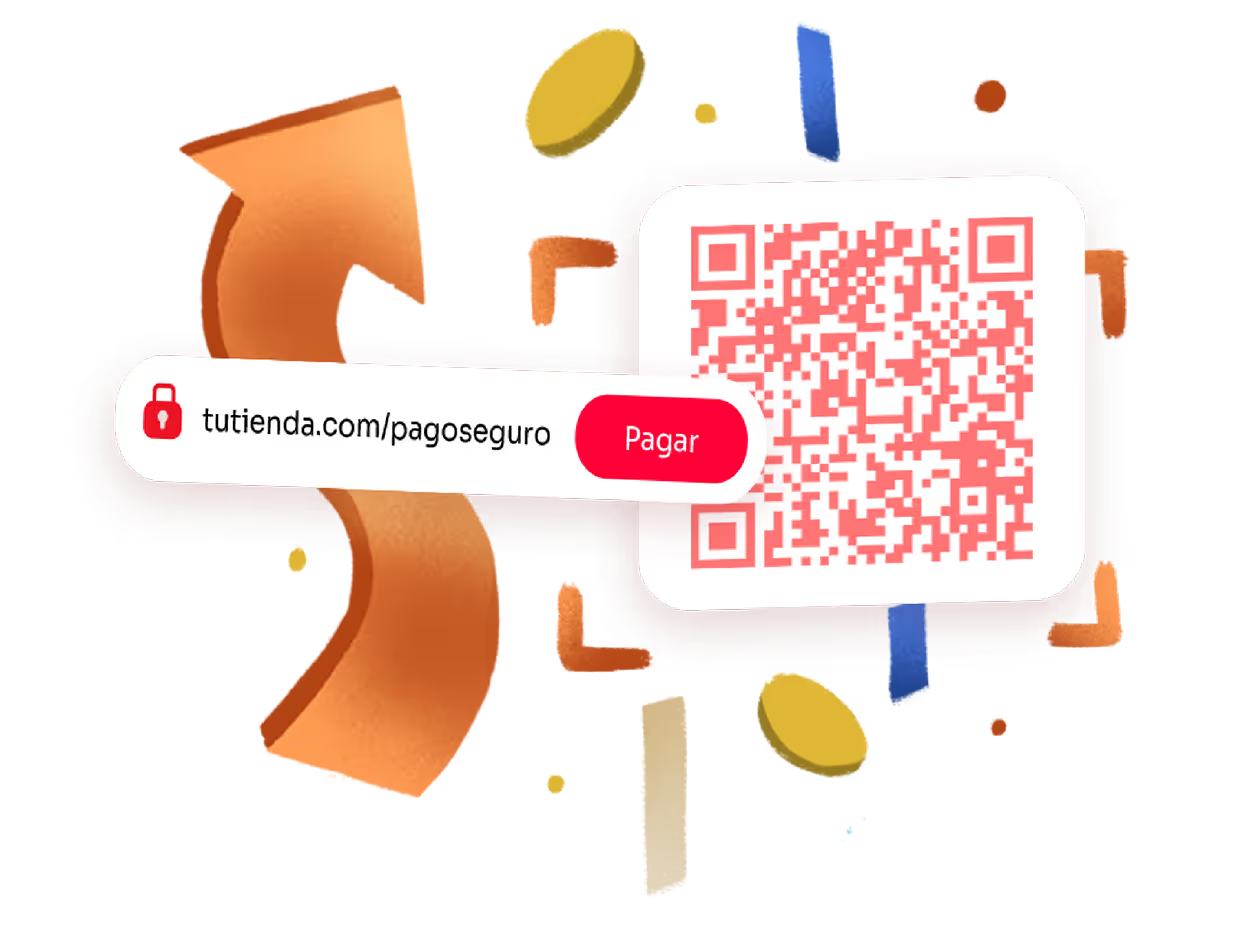
Cobrar no debería ser tan complicado
No tenés tienda en línea, así que solo podés cobrar en efectivo o SINPE Móvil.
Vendés en una feria, un stand o un evento, y no tenés forma de cobrar con tarjeta en ese momento.
Perdés la venta porque tu cliente quería pagar ahí mismo, pero tu único método fue “te paso los datos de la cuenta”.
producto
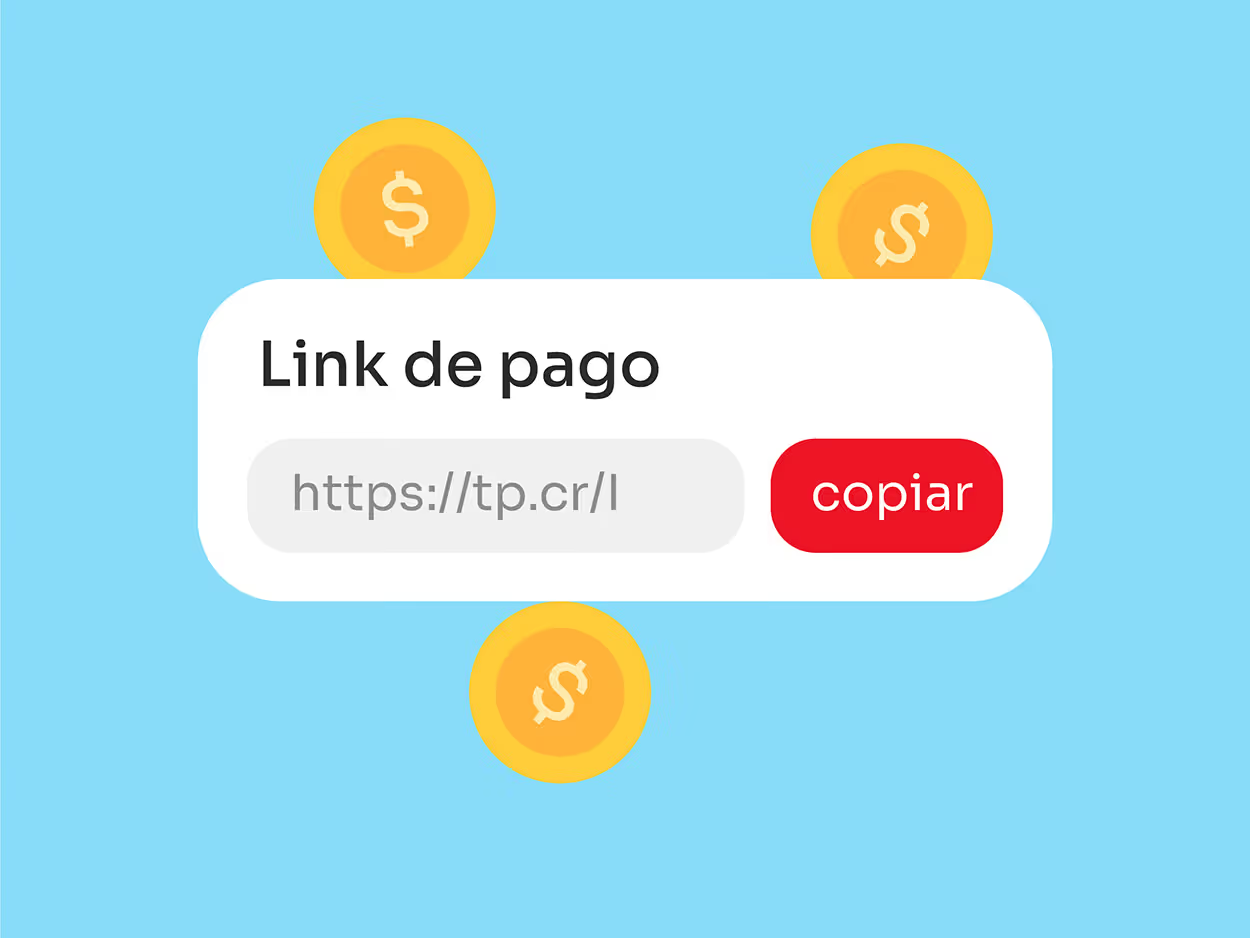
¿Qué es un Link de Pago?
Es un enlace único que generas desde tu panel de Tilopay. Lo compartes por WhatsApp, correo, redes sociales o cualquier medio digital; tu cliente lo abre desde su celular o computadora y paga con tarjeta o transferencia sin necesidad de ir a ningún lado ni usar efectivo.
Se comparte de forma digital por cualquier canal
producto
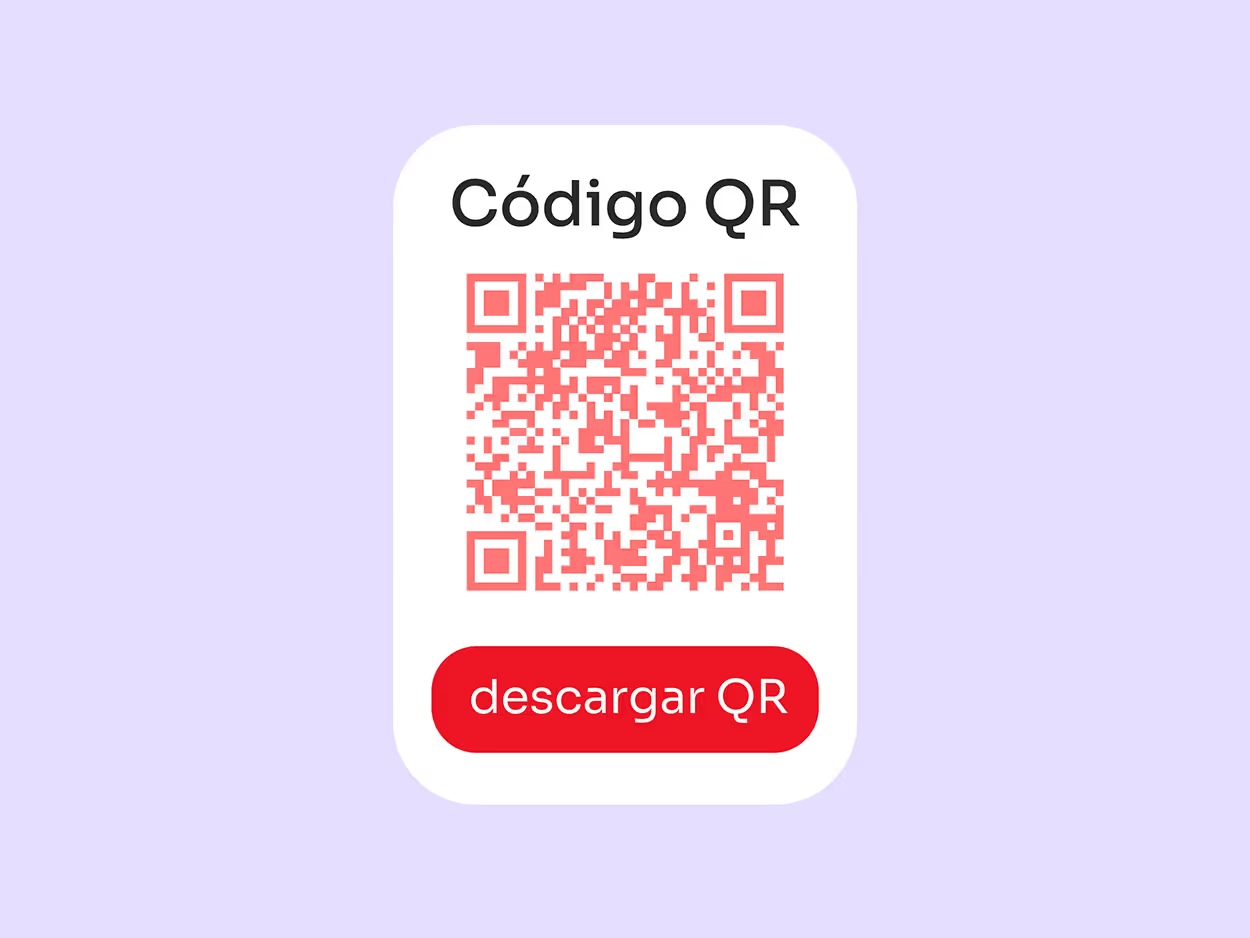
¿Qué es un Código QR de pago?
Es el mismo Link de Pago pero en formato visual. Lo generas desde tu panel, lo imprimes o lo muestras en pantalla, y tu cliente lo escanea con la cámara de su celular. En segundos está pagando, ideal para locales físicos, ferias y stands.
Se escanea físicamente con dispositivos móviles
Cobrá en el momento exacto en que tu cliente quiere pagar
Un Link de Pago y un Código QR son dos formas de lo mismo: una manera de cobrar sin necesidad de tener página web. Generalo una vez desde tu panel de Tilopay, y usalo como enlace para compartir digitalmente o como código para mostrar físicamente.
Generá tu Link o QR
Desde tu panel de Tilopay, con el monto que quieras o dejándolo abierto.
Compartilo o mostralo
Enviá el link por WhatsApp, correo o redes sociales, o mostrá el QR en tu local, stand o factura.
Tu cliente paga y vos recibís el dinero
Sin que tengas que pedirle datos de cuenta ni esperar comprobantes.
Sin necesidad de tener página web.
Catálogo de links para cobrar rápido tus distintos productos o servicios, sin repetir el proceso cada vez.
Aceptás tarjetas nacionales e internacionales, SINPE Móvil, Apple Pay, Google Pay y pagos a cuotas.
Conocé nuestro producto en 1 minuto
El video inicia sin sonido: activá el volumen para escucharlo.
¿Para quién es este producto?
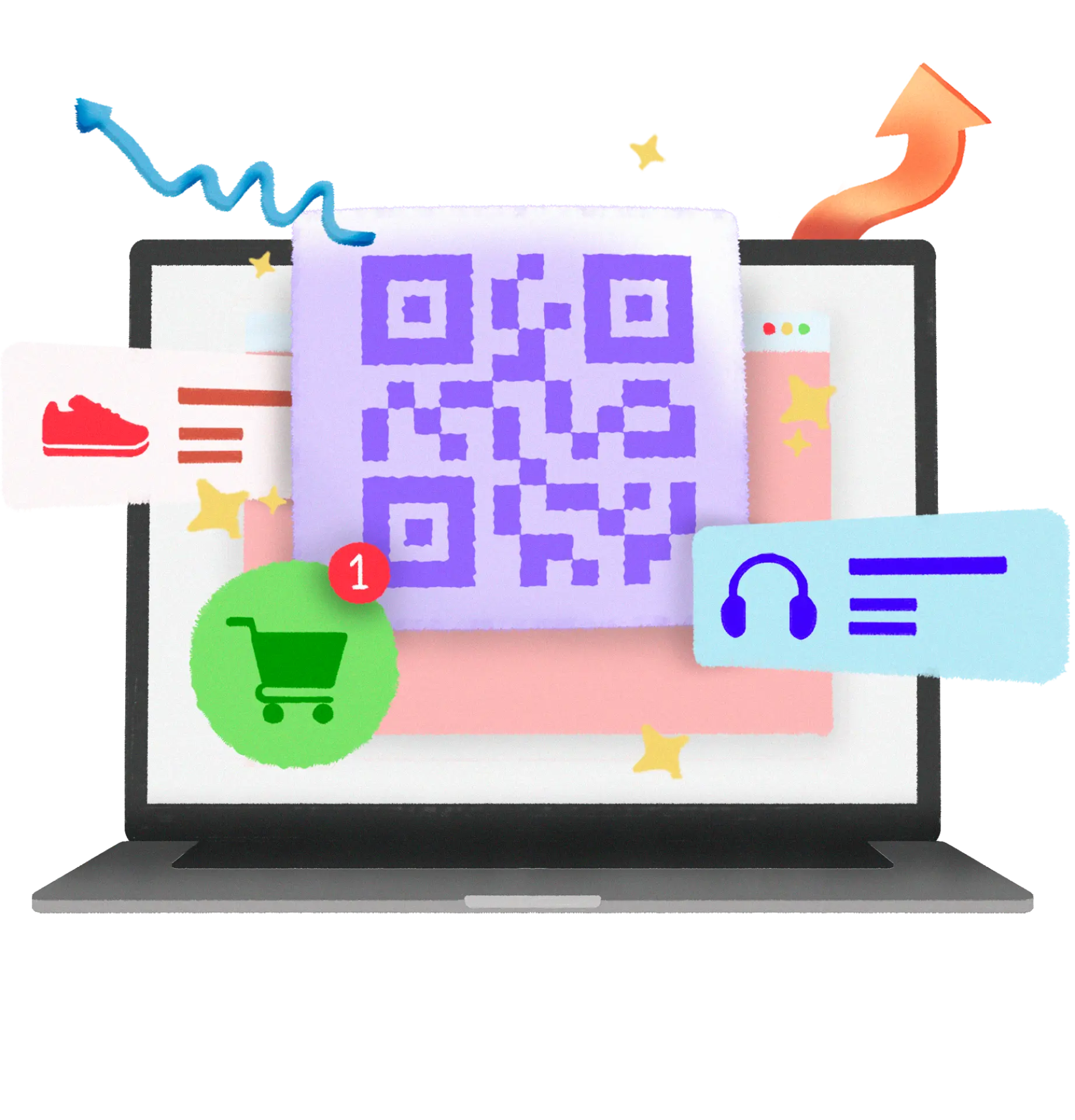

Retail
Vendé por redes sociales sin fricciones
Mandá un Link de Pago por Instagram o WhatsApp y cerrá la venta ahí mismo, o mostrá tu Código QR en una feria o stand para cobrar sin necesidad de datáfono.
Conocé más

Turismo
Cobrá extras sin volver a pedirle la tarjeta al huésped
Un upgrade de habitación, un tour de último minuto o una cena especial — enviá el link y cobrá al instante. También te sirve para asegurar la reserva por adelantado y evitar no-shows.
Conocé más

Servicios
Un catálogo de links para cada uno de tus servicios
Armá tus links una vez y cobrá rápido por cualquier canal, sin tener que generar uno nuevo cada vez que un cliente te escribe.
Conocé másPreguntas frecuentes
Recordá que podés contactarnos y resolveremos tus dudas
Sí, puedes generar un Link de Pago sin necesidad de un sitio web; desde tu panel Tilopay puedes crearlo, rastrear pagos, y más.
¡Ninguno! Ni el Código QR ni el Link de Pago tienen costo adicional más allá de las comisiones por transacción.
Aceptamos tarjetas locales e internacionales — Visa, Mastercard y American Express — sin importar el banco emisor.
¡Por supuesto! Tanto Apple Pay como Google Pay están disponibles para recibir tus pagos. Para habilitarlos en tu plataforma, solo envía un email a soporte@tilopay.com.
El Link de Pago solicitará a tu cliente final información personal, detalles de tarjeta y dirección.
Tienes dos opciones: enviarlo directamente desde la plataforma Tilopay, o copiarlo y pegarlo en WhatsApp para enviarlo a tu cliente.
¡Sí! Puedes personalizar cada Link de Pago con tu nombre de negocio o logo desde la plataforma Tilopay.
¡Así es! Puedes crear un Link de Pago desde la plataforma Tilopay, personalizándolo con tu catálogo de productos.
¡Por supuesto! Link de Pago te permite aplicar descuentos o promociones desde la plataforma Tilopay.
Puedes verificarlo en la plataforma Tilopay, en la sección de transacciones, o mediante el correo de confirmación en tu bandeja.
Sí, puedes eliminar un Link de Pago; desde tu panel Tilopay puedes gestionar todos los links de pago que hayas generado.
Ampliá las formas en las que tu negocio puede recibir pagos. Que tus ventas no se detengan.
Cada transacción blindada
Los más altos niveles de seguridad internacional para que el dinero de tus clientes y tus pagos estén más que seguros.